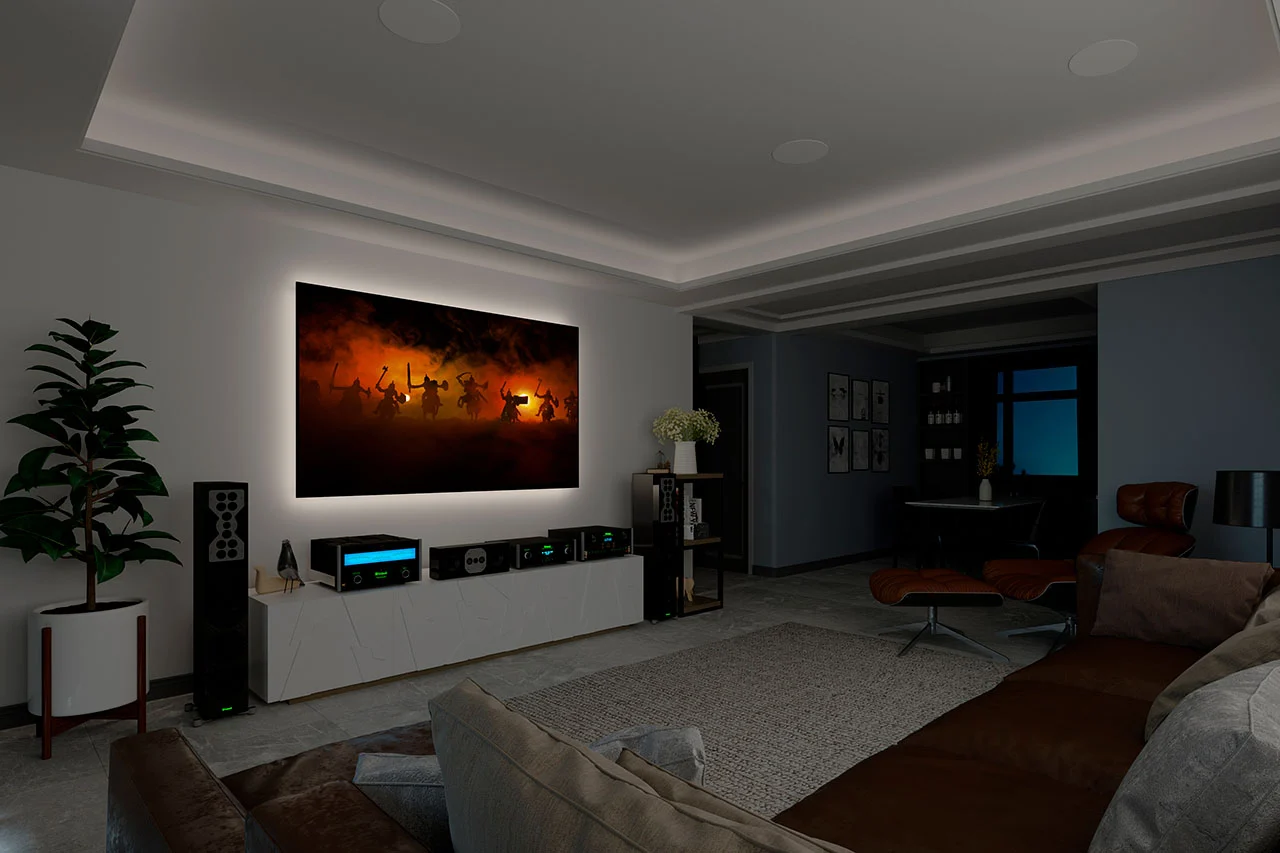
How to Set Up a Home Theater
Creating a home theater isn’t just about buying cool gadgets—it’s about crafting an experience. Picture this: you dim the lights, sit back in a cozy seat, and suddenly you’re not at home anymore—you’re inside the movie. That’s the magic a thoughtfully designed home theater can deliver. Whether you’re setting up in a dedicated room or transforming your living area, understanding the components, placement, and design principles is key to creating a space that rivals commercial cinemas. With advancements in display tech, immersive audio options like Dolby Atmos, and affordable projectors, now is a better time than ever to build your own cinematic haven.
Understanding What a Home Theater Really Is
Before diving into equipment lists and wiring diagrams, let’s define what a home theater actually is. A home theater isn’t just a big TV or a nice soundbar. It’s an ecosystem: visuals, sound, seating, and ambiance all working harmoniously to make you forget you’re at home. At its core, a home theater creates an immersive experience—big, crisp visuals combined with layered, directional sound that places you right in the middle of every scene. If any of these elements are missing or poorly executed, the illusion falls apart.
Planning Your Home Theater Space
Choosing the Right Room
Your choice of room will make or break your setup. A rectangular room with minimal windows and consistent lighting is ideal, as it reduces glare and improves sound control. Rooms with high ceilings and fewer reflective surfaces help sound behave better, reducing harsh echoes and dead zones. You can still convert a living room or basement into a theater, but keep in mind that your equipment choices and placement strategy will depend heavily on the existing space.
Ideal Room Dimensions
Though high-end custom theaters can be large, most effective home theaters start with a comfortable room size. For basic 5.1 audio setups, a space of at least about 12 × 10 feet is recommended. For more immersive surround layouts like 7.1 or Dolby Atmos configurations, larger rooms of 15 × 20 feet or more are ideal. These dimensions provide room for sound to breathe and prevent overcrowding your speakers or screen.
Lighting and Ambience Considerations
Control over lighting is crucial. Bright lights or sunlit windows can wash out screens and reduce contrast, which is especially noticeable with projectors. Blackout curtains or blinds help you create a theater-like darkness on demand. Consider adding dimmable lighting around the room so you can set the mood for movies and then brighten things for intermissions or gatherings.
Choosing Your Display
TV vs Projector: Which Is Right for You?
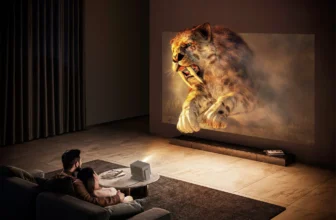
For many, a big-screen TV makes sense. It’s easy to set up, often includes built-in smart apps, and delivers bright, vivid images even in rooms with ambient light. However, if you crave true cinematic scale, a projector with a screen becomes irresistible. Today’s projectors support large images from 80 inches up to 150 inches or more, letting you replicate the size of a commercial cinema right at home.
Screen Size and Viewing Distance
Determining the right screen size isn’t guesswork—it’s geometry. Experts recommend a screen diagonal that corresponds with your seating distance. One helpful rule: your seating should be about 0.84 times the screen size in inches to strike a balance between immersion and comfort. For example, if you want a 100-inch screen, the seats should be roughly 84 inches (7 feet) away.
Screen Material and Aspect Ratios
Whether you choose a fixed screen or a motorized roll-down, ensure it matches your projector’s aspect ratio—most commonly 16:9 for home theaters. Some enthusiasts opt for scope screens with wider ratios like 2.35:1 for a more cinematic feel, especially when viewing movies filmed in widescreen formats.
Audio System Essentials
Surround Sound Explained
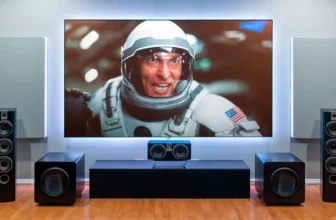
A home theater lives and dies by its sound. Basic surround sound, like a 5.1 configuration (left, center, right, two surrounds, and a subwoofer), wraps audio around you. This setup is widely used in cinemas and provides a substantial step up from TV speakers. For even more dimensional sound with overhead effects, formats like Dolby Atmos introduce height channels that make sound feel like it’s floating above you.
Dolby Atmos and Advanced Audio
Dolby Atmos adds another layer to audio immersion. Including upward-firing or ceiling speakers, it creates a ‘dome’ of sound that tracks effects above and around you, making rain, helicopters, or a soaring soundtrack feel alive in the room. While louder and more complex systems demand space and planning, even soundbars with Atmos capabilities can create an enhanced experience without a full multi-speaker setup.
Soundbar as an Alternative
If space or budget is a constraint, a high-quality soundbar can still significantly improve audio over built-in TV speakers. Some modern soundbars include a subwoofer and rear satellite speakers to simulate surround sound. While not as precise as a full multi-speaker system, they’re simple to install and great for smaller rooms.
Speaker Placement & Configuration
Front Speakers
Your front left and right speakers should bracket your screen, forming a stable soundstage. The center speaker goes directly under or above the screen and handles dialogue, so clarity here is crucial. Ensure all front speakers are leveled toward the primary viewing position for balanced sound.
Surround Speakers
Surround speakers are placed slightly behind and to the sides of your seating area. They add directional cues like ambient noise, off-screen effects, and depth to sound. Keep them at ear height if possible for attentive detail.
Subwoofer Placement
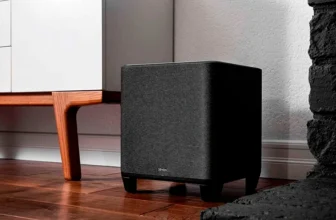
Low bass frequencies are omnidirectional, meaning placement isn’t as strict, but certain spots can dramatically boost performance. Try placing the subwoofer a few feet from walls and avoid corners, which can muddy bass. A fun technique called the “subwoofer crawl” helps identify ideal spots by playing bass-rich music and moving around the room until the bass sounds best.
Wiring and Connectivity
HDMI and Audio Cables
Your AV receiver acts as the hub—connecting your projector or TV to players, streaming devices, game consoles, and speakers. Use HDMI 2.1 cables to ensure compatibility with high-resolution video and surround audio formats. Plan cable runs before final installation to avoid tangled wires or visible clutter.
Wireless vs Wired Components
Modern systems offer wireless speaker options to reduce cabling work, but traditional wired speakers still deliver the most reliable performance, especially for critical listening. Choose based on space, aesthetics, and how permanent you want the system to be.
Seating & Viewing Comfort
Optimal Seating Distance
As mentioned, your distance from the screen ties directly to screen size. Comfortable seating also ensures your ears are positioned ideally for surround sound, and your eyes aren’t strained by screen size or brightness.
Chair Types & Layout
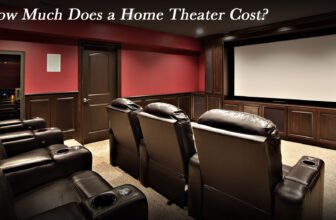
Cinema recliners are popular—but even sofas and cushioned chairs work great when positioned correctly. If you’re building a multi-row theater, consider tiered platforms to ensure everyone gets an unblocked view.
Calibration & Final Tweaks
Audio Calibration Tools
Once everything is in place, use room-tuning software like Audyssey or Dirac Live to optimize speaker levels and timing for your exact room. These tools make your system sound more balanced and less chaotic.
Video Calibration Tools
Adjust brightness, contrast, color balance, and sharpness on your display to match your room’s lighting conditions. Proper calibration prevents washed-out images and ensures deep blacks and rich colors.
Accessories That Elevate Your Experience
Small additions can make a big difference:
- Universal remote or smart control apps
- Blackout curtains or blinds for light control
- Cable management systems
- Acoustic panels to reduce echoes
These extras make your system easier to use and more enjoyable overall.
Budget Tips for Every Setup
You don’t need to break the bank to enjoy your home theater:
- Start with a good TV and soundbar if your budget is tight.
- Upgrade speakers and seating over time.
- Look for bundle deals where speakers and receivers are matched.
- Prioritize immersive audio and proper placement over just buying the biggest screen.
This approach ensures solid performance now with room to grow later.
Common Mistakes to Avoid
- Ignoring room acoustics: Hard surfaces can distort sound.
- Over-sizing the screen: Bigger is not always better if the seats are too close.
- Bad speaker placement: Poorly placed speakers ruin immersion.
- Skipping calibration: Untuned systems rarely perform their best.
Address these early, and you’ll save time and money.
Conclusion
Setting up a home theater is both an art and a science. With thoughtful planning, the right gear, careful placement, and calibration, you can build an immersive entertainment space that transforms ordinary movie nights into unforgettable experiences. Whether you’re doing a simple upgrade or building a dedicated cinema room from scratch, understanding the fundamentals puts you in control—and ensures every viewing feels like the best seat in the house.
FAQs
1. What is the minimum space needed for a home theater?
A small home theater with a 5.1 setup can work in rooms around 12 × 10 feet, though larger spaces allow better sound distribution and seating flexibility.
2. Should I use a projector or a TV?
Use a TV if you want simplicity and brightness, especially in rooms with ambient light. Choose a projector if you want a big-screen, cinema-style experience.
3. How important is speaker placement?
Crucial—proper placement ensures balanced, immersive sound and prevents audio dead spots.
4. Can I use wireless speakers for my home theater?
Yes, wireless speakers reduce cables and are easier to install, though wired speakers often deliver more consistent performance.
5. Do I need an AV receiver?
If you plan a multi-speaker system, an AV receiver is highly recommended to manage audio and video signals effectively.