How to Watch Theater Movies at Home Legally: Ultimate Guide + 9 Powerful Ways
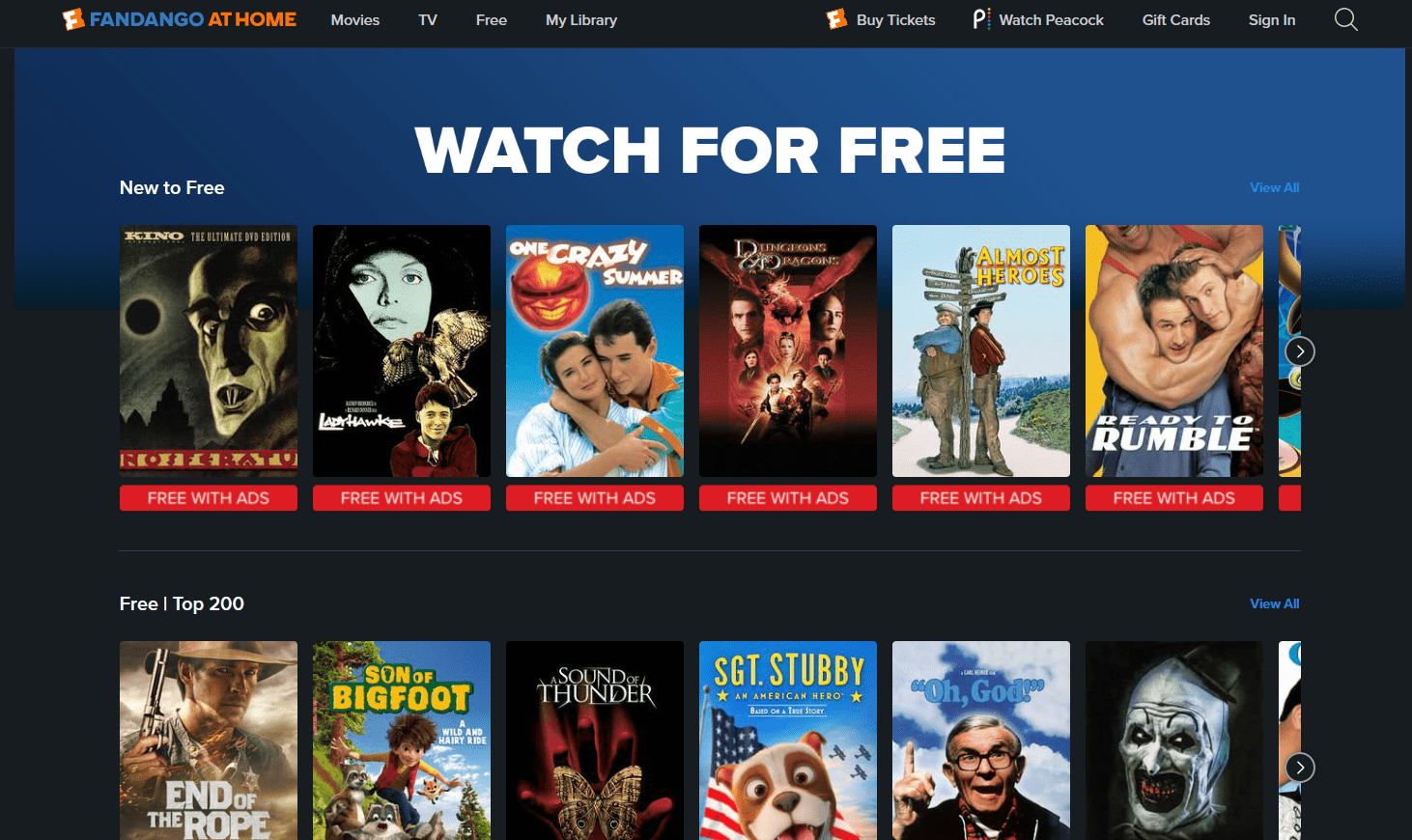
If you’ve ever wondered how to watch theater movies at home legally, you’re not alone. With streaming services booming and cinema releases evolving, watching newly released films from your couch has become easier than ever. Still, not all methods are legal—and that’s where many people get confused.
This guide breaks everything down clearly. You’ll learn exactly how to access theater movies at home legally, safely, and in high quality—without risking malware, fines, or poor viewing experiences.
Understanding Movie Distribution and Release Windows
Before exploring your options, it helps to understand how movies are released. This knowledge gives you a clearer picture of why some films are available instantly while others take time.
What Is a Theatrical Release Window
Traditionally, movies were shown exclusively in cinemas for about 60–90 days before becoming available at home. This period is known as the theatrical window.
However, things have changed. Today, studios often shorten this window or skip it entirely.
How Streaming Changed Movie Access
Streaming platforms have disrupted traditional releases. Many studios now offer:
- Same-day streaming and cinema releases
- Early digital rentals
- Exclusive streaming premieres
This shift makes it easier to learn how to watch theater movies at home legally without waiting months.
Legal Ways to Watch Theater Movies at Home
Let’s get to the core of it—how you can legally watch movies that are still fresh from theaters.
Streaming Platforms
Major streaming platforms now host recent films. These include:
- Netflix
- Amazon Prime Video
- Disney+
While not all movies appear instantly, many arrive shortly after theatrical release.
Premium Video On Demand (PVOD)
PVOD lets you rent movies that are still in theaters or just released.
- Price range: $10–$30 per rental
- Available via platforms like Prime Video or Apple TV
- High-definition streaming included
This is one of the fastest legal ways to access new movies.
Digital Rentals and Purchases
Another option is standard digital access:
- Rentals: Watch within 48 hours
- Purchases: Permanent access
Popular stores include:
- Google TV
- Apple TV
- Amazon
Subscription Streaming Services Explained
Subscription platforms remain one of the easiest ways to enjoy movies legally.
Netflix
Netflix offers a wide range of original films and licensed content. While it rarely streams movies still in theaters, it quickly acquires rights after release.
Amazon Prime Video
Amazon Prime Video stands out because it combines subscriptions with rentals, giving users flexible options.
Disney+
Disney+ frequently releases blockbuster movies early, especially from Marvel and Pixar franchises.
Early Access and Same-Day Releases
In recent years, studios have experimented with simultaneous releases.
Studio Release Strategies
Some studios now release movies:
- In theaters and streaming simultaneously
- With short delays (15–30 days)
- Directly to streaming platforms
This flexibility benefits viewers at home.
Regional Availability Differences
Availability varies by country due to licensing agreements. A movie might be available in one region but not another.
Using legal methods ensures you comply with regional laws.
Renting vs Buying Movies Online
When deciding how to watch, you’ll often choose between renting and buying.
Pros and Cons of Renting
Pros:
- Cheaper
- Great for one-time viewing
Cons:
- Limited viewing window
- No permanent access
Benefits of Buying Digital Copies
Pros:
- Unlimited access
- Bonus features
- Higher long-term value
Cons:
- Higher upfront cost
Avoiding Illegal Streaming and Piracy
Let’s be clear—illegal streaming might seem tempting, but it’s not worth it.
Risks of Illegal Sites
Illegal platforms often expose you to:
- Malware and viruses
- Poor video quality
- Fake links and scams
Legal Consequences
Depending on your country, piracy can lead to:
- Fines
- Legal action
- ISP warnings
Sticking to legal options protects both you and content creators.
Devices and Setup for the Best Experience
To fully enjoy your movies, you need the right setup.
Smart TVs
Modern smart TVs support:
- Built-in streaming apps
- 4K resolution
- HDR for better visuals
Streaming Devices
Popular devices include:
- Fire TV Stick
- Apple TV
- Roku
These expand your viewing options.
Internet Requirements
For smooth streaming:
- Minimum: 10 Mbps
- Recommended: 25+ Mbps for 4K
Stable internet ensures uninterrupted viewing.
Cost Comparison of Legal Viewing Options
| Method | Cost Range | Best For |
|---|---|---|
| Subscription | $5–$20/month | Regular viewing |
| PVOD Rentals | $10–$30/movie | Early access |
| Digital Purchase | $10–$25/movie | Ownership |
| Cinema + Streaming Combo | Varies | Flexibility |
FAQs
1. Can I watch movies still in theaters at home legally?
Yes, through PVOD or simultaneous releases on streaming platforms.
2. Which platform gets movies fastest?
It varies, but Prime Video and Apple TV often offer early rentals.
3. Is VPN use legal for streaming?
It depends on local laws and platform terms—always check policies.
4. Are free movie sites legal?
Most are not. Stick to verified platforms.
5. What’s the cheapest legal option?
Subscriptions offer the best value for frequent viewers.
6. How soon do movies come to streaming?
Typically, 15–90 days after theatrical release.
For more insights into movie releases and streaming trends, visit:
https://www.motionpictures.org
Conclusion
Understanding how to watch theater movies at home legally gives you access to the latest films without risks or compromises. With streaming platforms, PVOD services, and digital rentals, you have more choices than ever before. The key is to stick with trusted sources, choose the right viewing method, and set up your home for the best experience. Once you do, your living room becomes your personal cinema—safe, legal, and incredibly enjoyable.